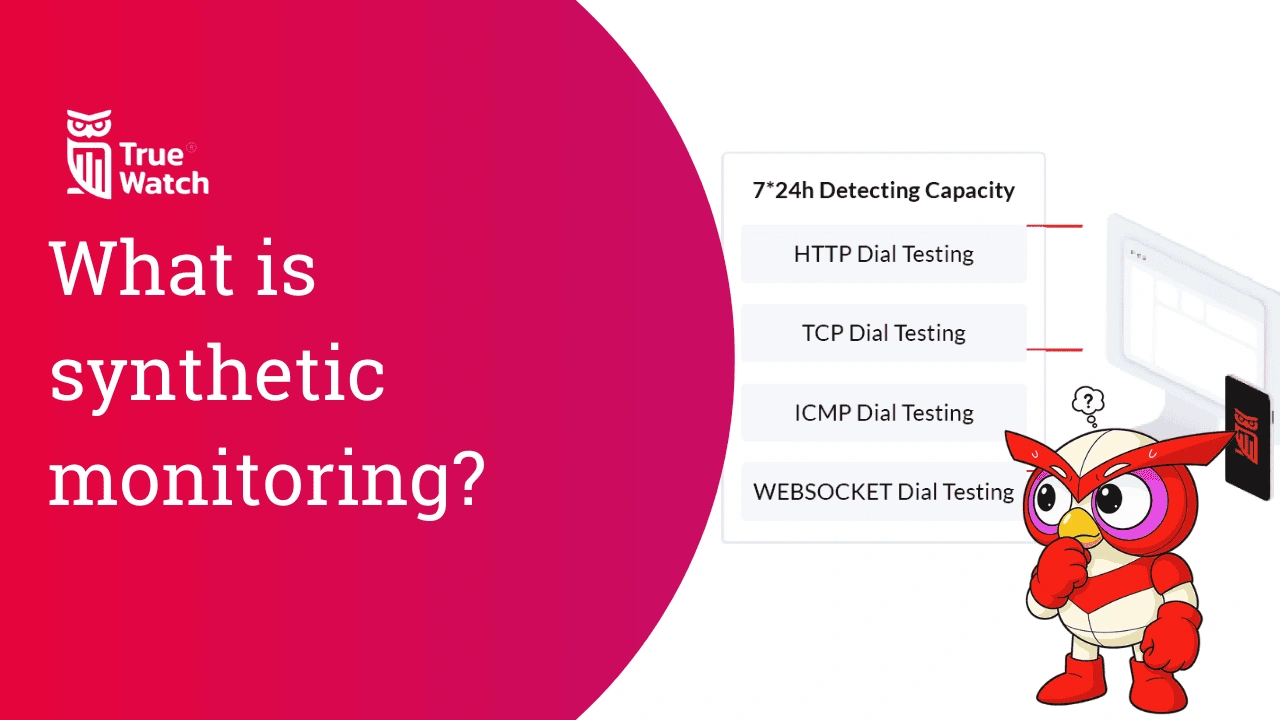
What is synthetic monitoring?
TrueWatch synthetic monitoring is a proactive performance management solution that uses simulated user journeys to verify the availability and functionality of your digital services 24/7. By deploying global probe nodes to mimic real-world interactions across various regions and operators, TrueWatch identifies latency, broken workflows, and downtime before they impact your actual customers. This active testing approach ensures consistent service delivery and helps teams maintain strict SLAs even during low-traffic periods.
How does synthetic monitoring work?
To understand how synthetic monitoring works, think of it as a pre-programmed rehearsal for your website. It doesn't rely on real people; instead, it uses a global network of "automated agents" or robots to visit your site and report back on what they find.
The process generally follows a simple loop:
1. Configuration: You define a scenario (e.g., "search for a product") and choose the environment (browser, device, or location).
2. Execution: Automated agents "probe" your application from remote servers, mimicking human clicks and server calls.
3. Validation: If an agent hits an error, it immediately re-tests to confirm. If failure persists, it triggers an alert to your team.
4. Reporting: Performance data is sent back to a central dashboard to provide a 24/7 "heartbeat" of your site’s health.
Ultimately, this process transforms your monitoring from a reactive 'wait-and-see' approach into a proactive strategy that stays one step ahead of downtime.
Synthetic monitoring vs real user monitoring (RUM)
While synthetic monitoring uses "robots" to simulate traffic, real user monitoring (RUM) is a passive approach that tracks actual humans interacting with your site. By adding a small snippet of JavaScript to your code, RUM captures the real-world experience of every visitor in real-time.
The choice between the two often comes down to your current goal:
- Synthetic monitoring (Active): Best for testing your system before it goes live or during low-traffic periods. It provides a consistent, controlled baseline to catch errors before a human ever sees them.
- Real user monitoring (Passive): Best for understanding the long-term impact of errors on actual customers. It shows you exactly what your users are experiencing, though it can only collect data when people are actively using your site.
In short, these methods work together to give you a complete picture: synthetic monitoring acts as your early warning system to prevent issues, while RUM helps you understand how live users are navigating your application.
Read--Synthetic Monitoring vs Real User Monitoring: Why You Need Both
Types of synthetic monitoring
Synthetic monitoring isn't a one-size-fits-all tool; it scales in complexity depending on what you need to protect. From checking if your "digital doors" are open to ensuring a customer can successfully buy a product, these tests are generally grouped into four main categories:
- Availability/Uptime Monitoring: This is the most fundamental level. It uses "pings" and DNS checks to confirm your site is online and reachable. It answers the basic question: "Is the service up?"
- Web Performance Monitoring: This focuses on speed and health. It measures how fast pages load and identifies "sluggish" elements or broken content. It ensures the site isn't just there, but is actually running smoothly.
- API Monitoring: This looks "under the hood" at the hidden connections that power your application. By testing these endpoints directly for data integrity and speed, it ensures the backend logic is solid. It answers the question: "Are the underlying systems communicating correctly?"
Benefits and challenges of synthetic monitoring
While synthetic monitoring is a powerhouse for proactive health checks, it is important to understand both its strengths and its limitations. When used correctly, it acts as an insurance policy for your digital experience, though it does require ongoing care to remain effective.
Benefits of synthetic monitoring
- Proactive Problem Solving: You can catch and fix performance glitches, such as slow response times or broken links—before a real user ever encounters them.
- Global Performance Validation: It allows you to test your site’s speed from different geographic markets, which is vital when launching in a new region where you don't have real traffic yet.
- Baseline Benchmarking: By running consistent tests, you establish a "normal" performance level. This makes it easy to spot anomalies the moment a new code deployment causes a deviation.
- SLA & SLO Compliance: It provides objective data to prove you are meeting your Service Level Agreements (SLAs), ensuring you stay within your "error budget."
- Reduced Time to Fix (MTTR): Modern tools correlate test failures with backend logs and network timings, giving your team the immediate context needed to solve issues fast.
Challenges of synthetic monitoring
- Maintenance & "Brittle" Tests: Synthetic tests can be sensitive. A minor endpoint change, like renaming the URL path, can break and trigger a "false alarm," requiring regular updates from your team.
- Limited Scope: A robot only does what it’s told. If a user performs an unexpected action that hasn't been configured, synthetic monitoring won't catch the resulting error.
- Technical Barrier to Entry: Setting up complex, multi-step journeys often requires specialized configuration skills and significant time, though modern tools are becoming more user-friendly.
- Increased System Load: Since robots generate extra traffic, running too many intensive tests against a live production site can occasionally slow down the experience for actual human users.
Success with synthetic monitoring comes down to balance: leveraging its proactive power to catch major failures while maintaining a lean, resilient suite of checks that doesn't overwhelm your team with maintenance.
Synthetic monitoring best practices and use cases
To get the most out of synthetic monitoring, it isn't enough to just run tests; you need to run the right tests at the right time. By following industry best practices, you can transform a simple "up/down" check into a powerful strategic asset.
The table below highlights how to implement these tools effectively and the real-world scenarios where they shine:
| Best Practices | Use Case |
|---|---|
| Critical API Workflows: Simulate essential backend sequences, from authentication to data commits. | SLA Management: Proving uptime and speed targets are met for partners and downstream consumers. |
| Test From Key Locations: Run synthetic checks from regions where your users or data centers actually reside. | Market Expansion: Validating performance and latency in a new region before a localized launch. |
| Steady Heartbeat: Run checks often enough to catch spikes without overloading servers. | 24/7 Availability: Detecting outages or performance degradation when real human traffic is low. |
| Smart Alerting: Set thresholds for third-party APIs and internal services to filter out "noise" and transient errors. | Vendor Tracking: Identifying if a slowdown is caused by an outside service or internal infrastructure. |
| Feature Releases: Integrating synthetic tests into CI/CD pipelines to catch breaking changes before they hit production. | Regression Testing: Ensuring new updates don't break existing core functionality or performance benchmarks. |
Best practices at a glance
Prioritize: Focus on high-value user actions. Be Realistic: Use geographic nodes that reflect real traffic. Benchmark: Establish "normal" metrics to identify anomalies quickly.
Frequently Asked Questions (FAQs)
Q: How does TrueWatch synthetic monitoring differ from Real User Monitoring (RUM)?
A: While RUM tracks the experience of actual visitors, TrueWatch synthetic monitoring uses automated scripts to simulate user behavior from controlled environments. This allows TrueWatch to detect performance regressions and outages 24/7, even when there is no live traffic on your site.
Q: Can TrueWatch monitor complex multi-step transactions like checkout flows?
A: Yes, TrueWatch supports sophisticated transaction monitoring that can simulate entire user journeys, including logins, form submissions, and API calls. By verifying each step of a critical path, TrueWatch ensures that complex business logic remains functional across different geographic locations.
Q: Does TrueWatch support monitoring for private or internal applications?
A: TrueWatch provides the flexibility to deploy probe nodes both outside and inside your firewall to monitor internal services and private cloud environments. This ensures that enterprise teams can maintain visibility into employee-facing tools and backend APIs that aren't accessible via the public internet.
Q: What protocols can TrueWatch test using synthetic monitoring?
A: TrueWatch supports a wide range of protocols including HTTP/S, TCP, ICMP, and WebSocket to provide a comprehensive view of network and application health. These versatile tests allow engineers to monitor everything from basic DNS resolution to the real-time performance of modern, interactive web applications.
Q: How does TrueWatch help reduce the Time to Resolution (MTTR) for incidents?
A: TrueWatch provides instant feedback and detailed failure analysis, including screenshots and performance waterfalls, the moment a synthetic test fails. This immediate alerting allows DevOps teams to pinpoint the exact source of a failure—such as a regional ISP issue or a specific API error—well before customer complaints begin to surface.
Ready to take control of your digital experience?
Understanding how your application performs shouldn't be a guessing game. By implementing a proactive synthetic monitoring strategy, you can stop reacting to outages and start preventing them. TrueWatch Synthetic Monitoring provides the global reach, easy-to-use configurations and deep technical insights you need to ensure your website is always fast, functional, and ready for business.
