

MEET TOBY AI TRUEPILOT
Investigate any view with Toby AI TruePilot.
Your AI assistant inside TrueWatch. Ask about the dashboard, log or trace in front of you, and TruePilot explains what changed, writes the query and drafts the dashboard. You review every answer before you act on it.
 Toby AITruePilot
The AI assistant inside your TrueWatch view.
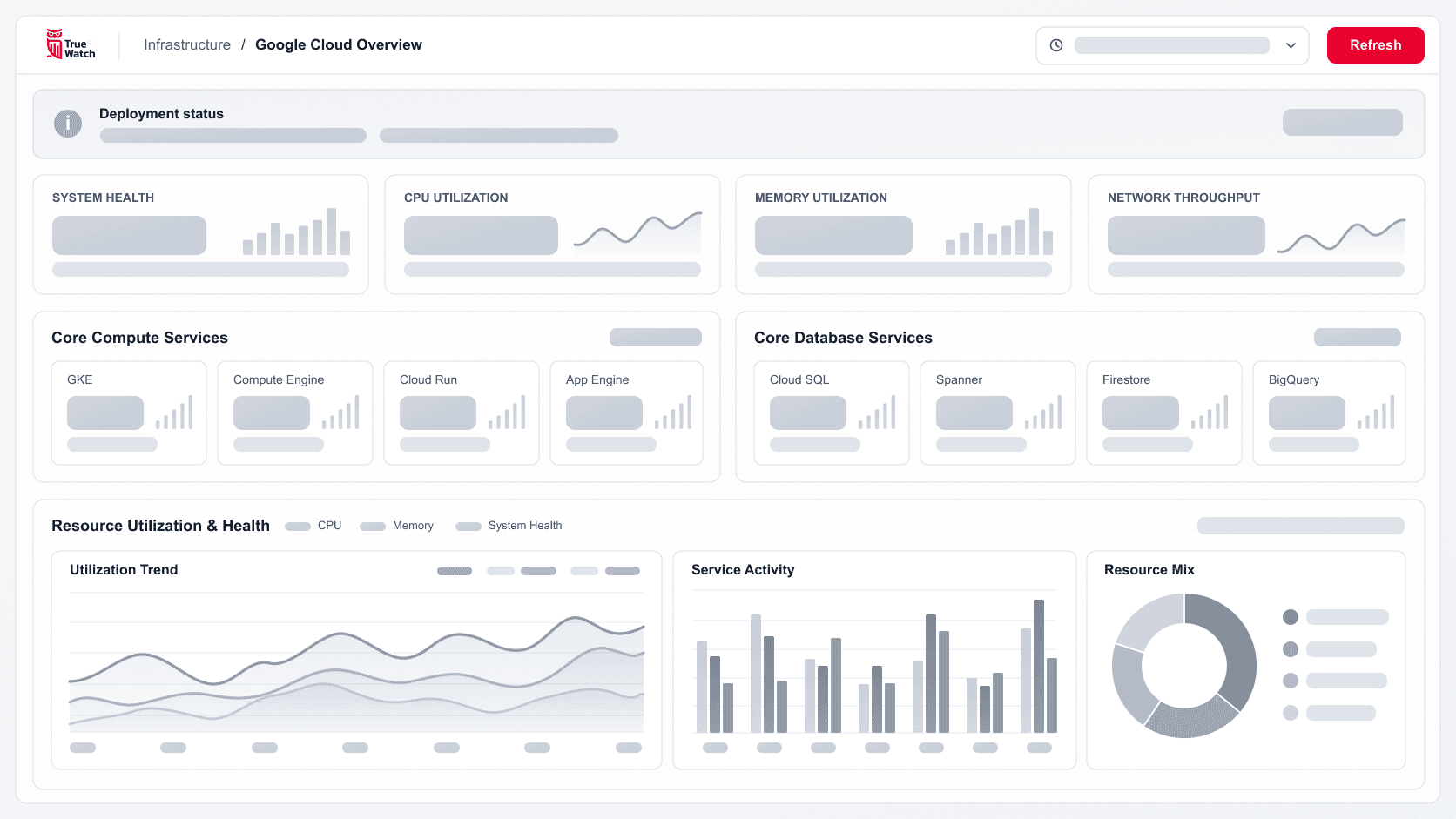
TruePilot works beside you in the view you have open. It checks its work against your workspace and leaves every decision with you.
Start from your view
Picks up the service, filters and time range, so you don't retype them into the question.
 FieldsTagsSyntax
Get a checked query
Validates fields, tags and DQL syntax against your workspace before you see the query.
See the sources
Links every answer to the queries and records behind it.
Keep the final call
Delivers dashboards and rules as drafts. Nothing changes until you confirm.
Ask from the view you're in.
TruePilot opens beside the data you're looking at and brings its context into the question. No copying fields or time ranges into a separate chat.
You spot a spike
Ask about the chart in front of you. TruePilot takes the time range, the services in view and your filters with it.
Toby AIcheckout-api / last 6hIllustrative data.



Your next investigation starts with a question.
Open a dashboard, log or trace and ask in plain language. TruePilot comes with every Toby AI plan.
WHAT YOU GET BACK
One question. An insight, a query and a dashboard draft.
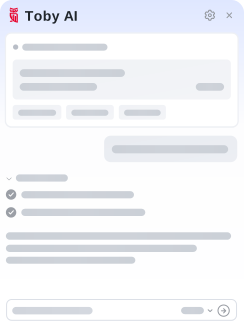
Read the insight, run the query and keep the dashboard. TruePilot writes and explains DQL and PromQL, so engineers move faster and teammates new to DQL can still find answers.
Toby AITruePilotREVIEW BEFORE YOU ACT
Check every answer before you act on it.
Each TruePilot answer shows how it got there, so your team can verify it before changing a production system.
PRICING
AI assistance in every Toby AI plan.
TruePilot comes with every plan, from Basic to Enterprise. It draws from the same Credits as Toby AI Agents, so your team can start asking from day one.
 TruePilot included· same Credits as Agents
You have questions. Toby has the answers.
TruePilot works beside you. You ask a question in the view you're in, and it analyzes the evidence and recommends a fix for your team to carry out. Toby AI Agents take on a role of their own. Each one investigates inside the scope you assign, proposes the action and runs it once you approve.
Explore Toby AI Agents
Get more done with the AI that knows your systems.
- Explore product
Toby AI Agents
Give each agent a role and a scope. Approve what it proposes before anything changes.
- Explore product
OWL CLI
Query TrueWatch from your terminal, scripts and agent workflows.
- Explore product
OWL MCP Server
Connect your AI client to TrueWatch data and tools, within the permissions you set.
- Explore product
AI Agent Observability
Trace agent steps, model calls and tool execution to investigate latency, cost and risk events.

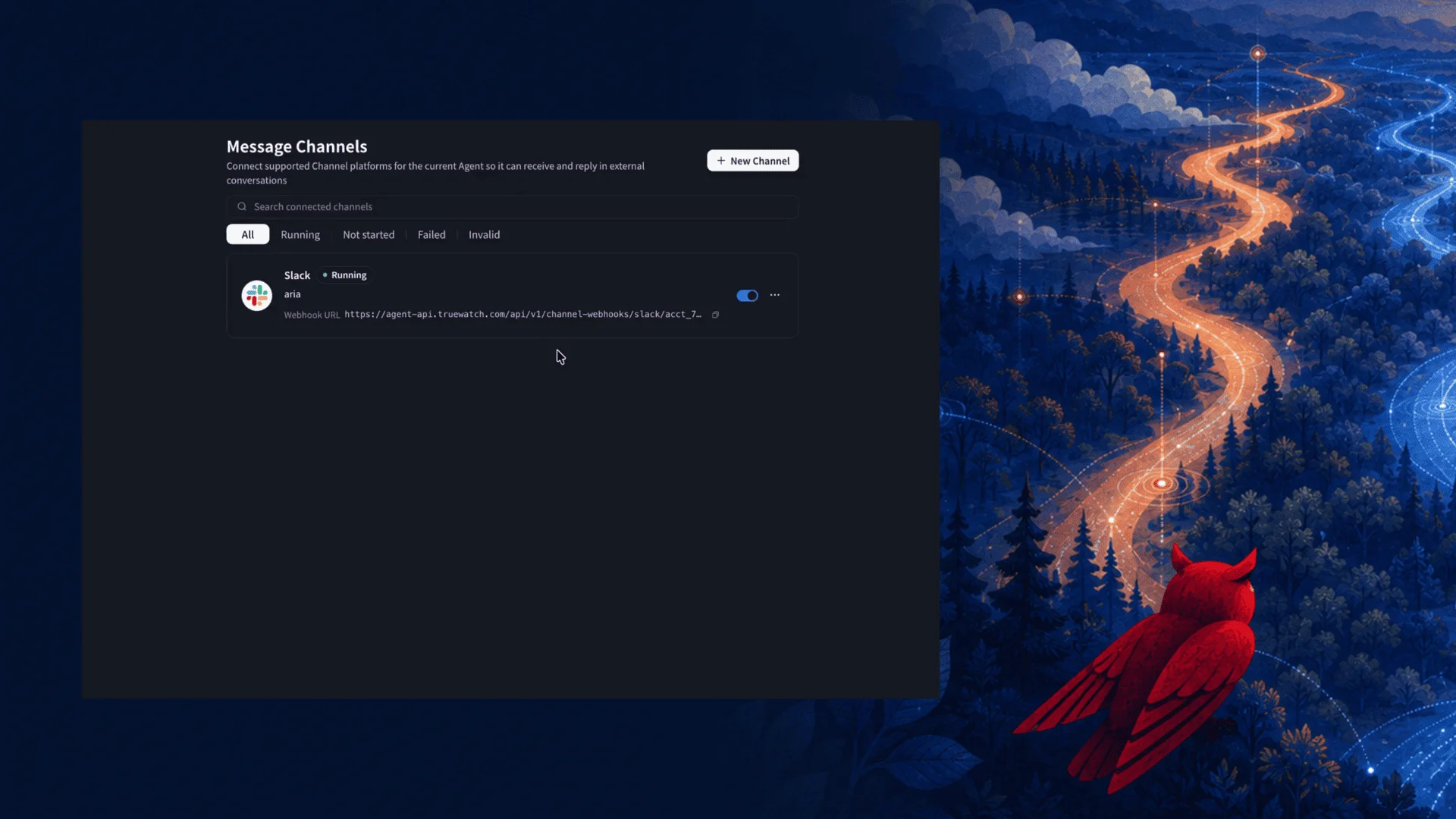


See Toby AI TruePilot in action.
Open the view you're investigating and ask your first question today.